RSA SecurID Authenticate3.9.1
Publisher Description
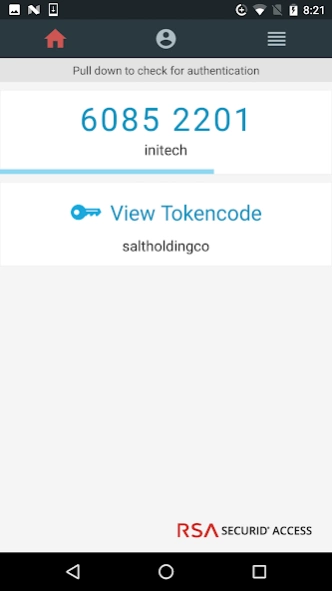
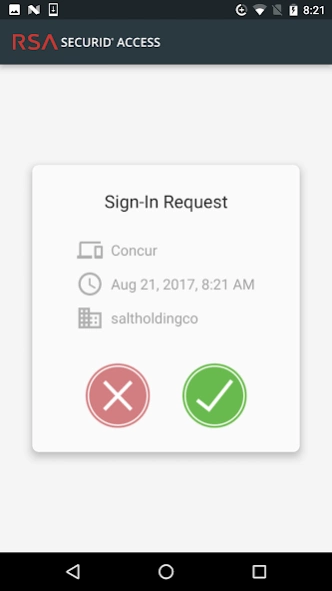
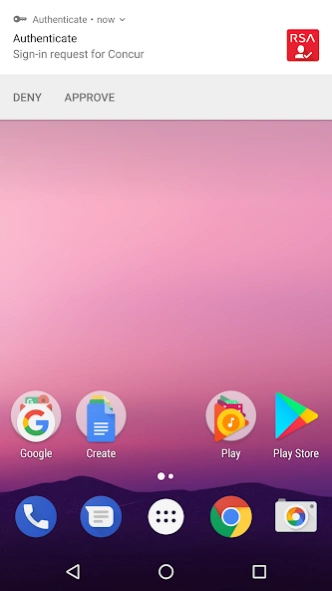
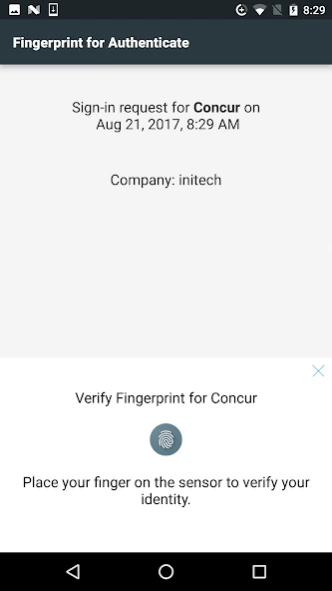
Strong authentication and single sign-on to enterprise applications.
The RSA SecurID® Authenticate app works with RSA SecurID Access to provide strong authentication and convenient single sign-on to corporate applications. Install the app on your Android device, and then use the device to authenticate to applications protected by RSA SecurID Access. The Authenticate app lets you conveniently verify your identity by tapping the device, verifying with Fingerprint, or by entering a tokencode generated by the app.
Note: Your company must be an RSA SecurID Access customer to use this app. Please contact your administrator if you did not receive the information required to register your device.
About RSA SecurID Authenticate
The company that develops RSA SecurID Authenticate is RSA Security. The latest version released by its developer is 3.9.1. This app was rated by 2 users of our site and has an average rating of 3.5.
To install RSA SecurID Authenticate on your Android device, just click the green Continue To App button above to start the installation process. The app is listed on our website since 2022-10-12 and was downloaded 134 times. We have already checked if the download link is safe, however for your own protection we recommend that you scan the downloaded app with your antivirus. Your antivirus may detect the RSA SecurID Authenticate as malware as malware if the download link to com.rsa.via is broken.
How to install RSA SecurID Authenticate on your Android device:
- Click on the Continue To App button on our website. This will redirect you to Google Play.
- Once the RSA SecurID Authenticate is shown in the Google Play listing of your Android device, you can start its download and installation. Tap on the Install button located below the search bar and to the right of the app icon.
- A pop-up window with the permissions required by RSA SecurID Authenticate will be shown. Click on Accept to continue the process.
- RSA SecurID Authenticate will be downloaded onto your device, displaying a progress. Once the download completes, the installation will start and you'll get a notification after the installation is finished.
Program Details
System requirements
Download information
Pricing
Version History
version 3.9.1
posted on 2022-10-12
Minor enhancements
version 3.6.0
posted on 2020-11-16
Now you can do face recognition as part of authentication if your phone allows it.
version 3.5.0
posted on 2020-06-30
This update contains bug fixes.
version 3.3.0
posted on 2020-06-22
If your users are using rooted devices, instruct your users to unroot their devices, install the RSA SecurID Authenticate app (if necessary), and complete registration again with the app.
version 3.2.0
posted on 2020-03-09
- Bug fixes
version 3.1.0
posted on 2019-10-02
- You can add up to 10 different accounts (formerly called companies) in the app.
- Works with Android 10.
version 3.0.0
posted on 2019-09-17
- After you update to this version, tap the first notification that you receive to open the app, wait a few minutes for the update process to finish, and continue with authentication.
- Bug fixes.
version 2.3.0
posted on 2019-07-09
- Improved RSA SecurID Authenticate device registration for managed devices. If you have a managed device, follow your company’s instructions to complete registration.
- Bug fixes.
version 1.4.0
posted on 2016-10-08
· The RSA Via app has been rebranded to the RSA SecurID Access Authenticator. RSA Via Access has been rebranded to RSA SecurID Access.,· You can use the Approve method by tapping an interactive notification on your mobile device or Android Wear watch paired to the device.,· The app has a new look and feel. The Authenticator Tokencode (formerly the Via Tokencode) displays on the home screen. The functionality that used to be in other menus has been moved to the My Account or More screens.
